This is perhaps a more reflective post than I ever intended to make on this blog, but digital photography is an interest of mine, and it’s interesting to note how it’s changing society.
- Exhibit A – Barack Obama’s campaign photographer’s raw unedited photos of the Obama family on election night
- Exhibit B – The New Zealand National Party’s Flickr photostream
The Obama election night pictures are particularly fascinating as they’re behind-the-scenes images that you just wouldn’t have seen several years ago. But what’s significant is that those two links contain (as far as I can tell) raw, virtually unedited photos from official photographers of political parties. The kind that photographers might have provided to journalists back in the day, open to the public. I think it reflects a shift in society that we’re seeing more than just posed photographs officially sanctioned by a publicist.
I remember I got my first digital camera at Christmas 2002. It was a Fuji Finepix A303, and cost approximately $900 NZD. At that stage digicams were pretty rare, and I was the first amongst my friends to have one, although the earliest picture in my photo library actually dates back to January 2001 when my cousin was showing me his Fuji 6900 Zoom (that thing was impressive back then). But over the following year the entry price of a decent digital camera dropped dramatically and finally film point ‘n shoots became obsolete. So 2003-2004 was really the point where digital point ‘n shoots began to replace entry level film cameras and is thus what I consider to be the start of the digital revolution (just early enough to take some embarrassing university photos!), and when Digital SLRs caught up to the resolution of film in 2004-2005, film became obsolete (some argue it was earlier/later, I reckon it was when the ID Mark II was released in June 2004).
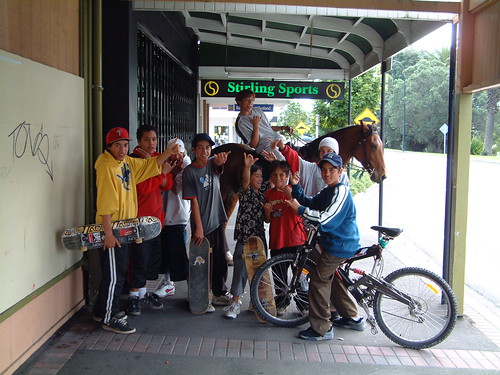
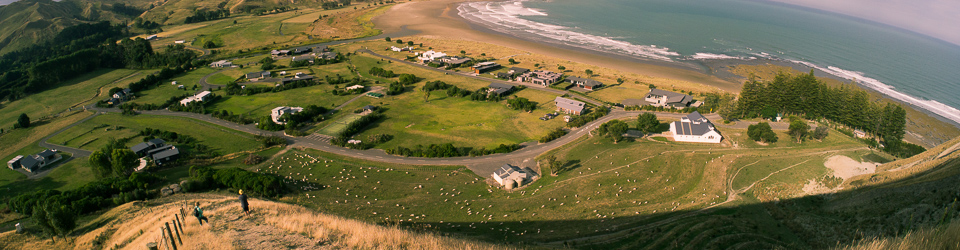
This is one of the earliest digital images in my library. It was taken on January 24th 2001 by my cousin in Wairoa, New Zealand.
When you consider the explosion of content that digital media has facilitated, you can’t escape the fact that our lives are documented far more thoroughly (an order of magnitudes more) than any other generation in history. Historians looking back to our time 100 years from now might struggle to find content from the 80s and 90s, but get to the 2000s and they’ll have an abundance, probably more than they can sift through. The problem then becomes not one of scarcity, but of finding the diamonds in the rough.
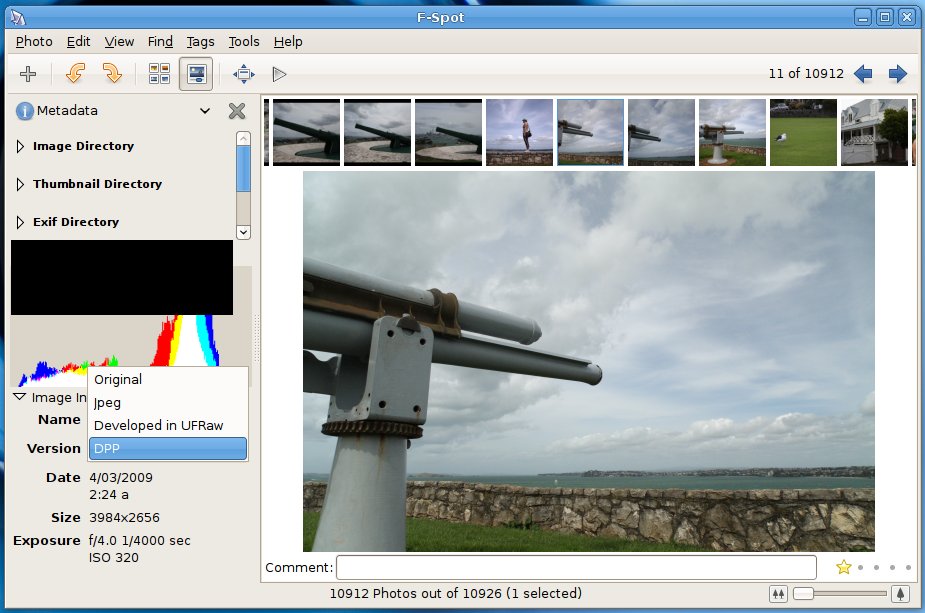
Metadata (information about information) will assist with this. First of all, virtually all cameras embed the date, time, and lots of photographic information in every picture they take. Future cameras will embed GPS coordinates if the users chooses, some actually already do this (my cell phone does, but if you want a DSLR to do it you need an expensive addon, and I haven’t seen any point ‘n shoots with an embedded GPS yet). Sites like Flickr gauge the quality of a photograph via the concept of “interestingness“, and also allow users to tag the files which further helps describe the content. A photo that didn’t get any views in 2009 probably won’t be of much interest to historians in 2109, but is Flickr going to be around in 2109? I find it hard to believe that this data would be lost forever, although when you consider the fact that it could well be based in just one room in a single building in the US… that great repository of our generation’s content looks rather fragile. One would hope they have a distributed network of some kind, or at least an off-site mirror, but I digress…
Another interesting use of digital media is the 3d reconstruction of scenes and landmarks using digital photos. When you allow your mind to wander through the possibilities this opens up, it’s not hard to imagine a system in the future that allows you to “travel back in time” and walk around a scene that existed today. What’s more, this system would be fed by the vast amount of user photos posted online, and its accuracy would only be limited by the number of photos of a particular scene and the number of angles they were taken from. I can see this becoming a pastime of hobbyist photographers everywhere – taking detailed photographs of an area previously “unexplored” (or explored in poor detail) thus opening it up to the virtual public.
The digital revolution was only the beginning, what will be more interesting is what we do with all this new information over the coming years, and I’ve no doubt we’ll see many fascinating developments within our life time.
By the way that Fuji A303 (my first digital camera), finally died late last year. I passed it on to my brother in 2005 and it was roughly 6 years old when it died, which is a pretty good run considering the hard life it had… It survived many university parties, and even had coke (with something else) spilled on it at one point which made the selection wheel sticky. My current point ‘n shoot is an F50fd. :-)